How to Install Python and Set Up a Virtual Environment in Visual Studio Code
Learn the step-by-step process of installing Python on Windows and setting up a virtual environment in Visual Studio Code to streamline your development workflow. Python is a versatile and powerful programming language that's widely used in various fields, from web development to data science. To get started with Pytho
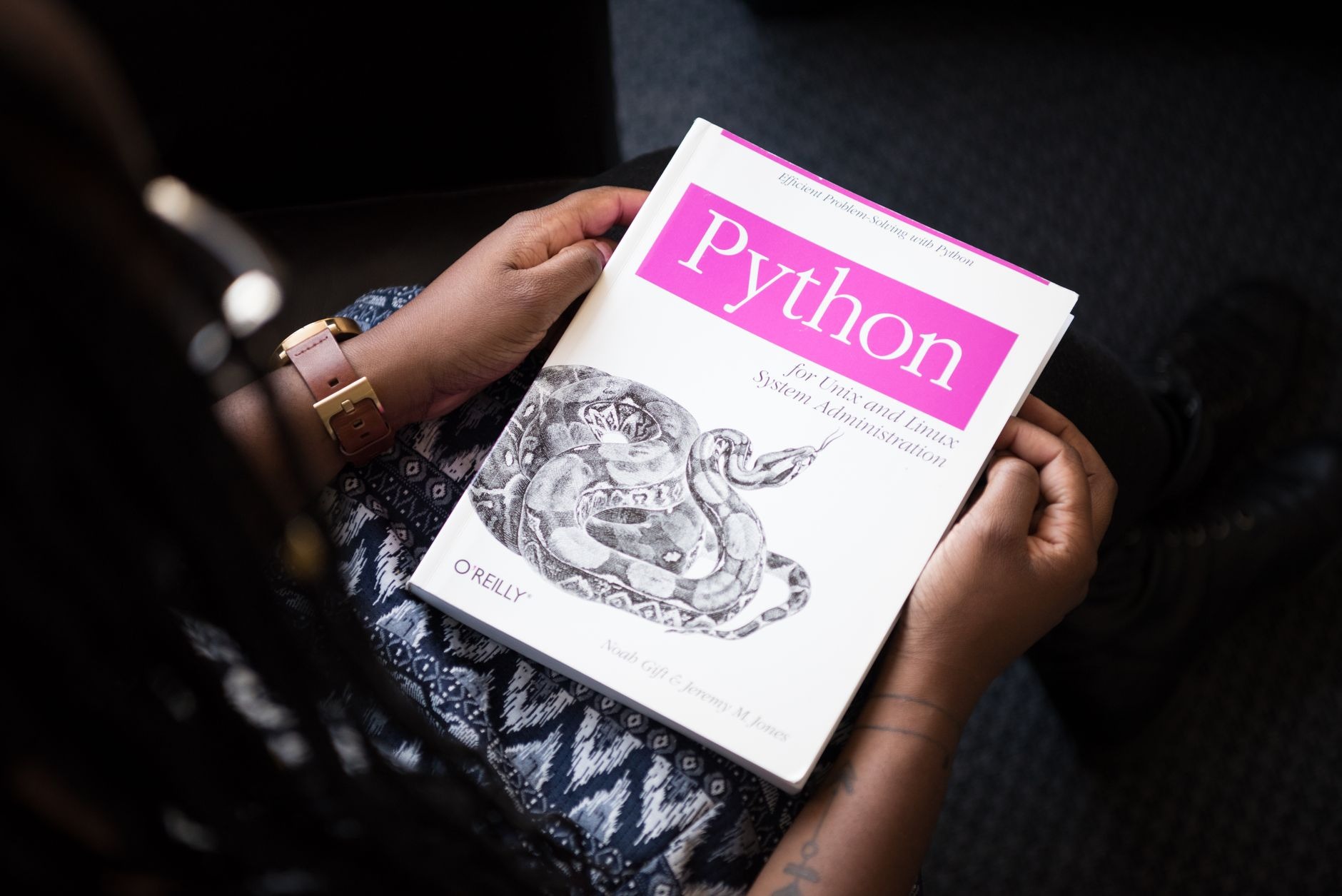
Learn the step-by-step process of installing Python on Windows and setting up a virtual environment in Visual Studio Code to streamline your development workflow. Python is a versatile and powerful programming language that's widely used in various fields, from web development to data science. To get started with Python on Windows, you'll need to install it and set up a virtual environment, especially if you're using Visual Studio Code (VS Code) as your Integrated Development Environment (IDE). This guide will walk you through the process, ensuring you have a solid foundation for your Python projects.
Installing Python on Windows
Before you can create a virtual environment, you need to have Python installed on your system. Here's how to do it:
- Download Python: Visit the official Python website at python.org and download the latest version of Python for Windows. Make sure to choose the installer that matches your system's architecture (32-bit or 64-bit).
- Run the Installer: Open the downloaded file to start the installation process. Ensure you check the box that says "Add Python to PATH" before clicking "Install Now". This step is crucial as it allows you to run Python commands from the Command Prompt.
- Verify Installation: To confirm that Python is installed correctly, open the Command Prompt and type
python --version. You should see the Python version number if the installation was successful.
Setting Up a Virtual Environment in VS Code
A virtual environment is an isolated Python environment that allows you to manage dependencies for different projects separately. Here's how to set one up in VS Code:
- Open VS Code: Launch Visual Studio Code and open your project folder.
- Install the Python Extension: If you haven't already, install the Python extension for VS Code. This extension adds rich support for the Python language, including features such as IntelliSense, linting, and debugging.
- Create a Virtual Environment: Open the Command Palette by pressing
Ctrl+Shift+P(orCmd+Shift+Pon Mac), type "Python: Create Environment", and select it. Choose "Venv" for the environment type and select the Python interpreter you installed earlier. - Activate the Virtual Environment: Once the environment is created, you'll need to activate it. You can do this by opening a new terminal in VS Code, which should automatically activate the environment. If it doesn't, you can manually activate it by running the activation script in the terminal (e.g.,
.\env\Scripts\activateon Windows). - Select the Interpreter: With the virtual environment activated, use the Command Palette again to select the interpreter. Type "Python: Select Interpreter" and choose the one that's located inside your virtual environment folder.
Conclusion
By following these steps, you've successfully installed Python on your Windows machine and set up a virtual environment in Visual Studio Code. This setup will help you maintain a clean and organized development environment, allowing you to manage project-specific dependencies without conflicts. Now, you're ready to start coding and exploring the vast possibilities with Python!
Remember, maintaining a virtual environment for each project is a best practice that can save you from many headaches in the future. Happy coding!
More from Python
Python continues to be one of the most popular programming languages in the tech industry, known for its versatility and ease of use. As technology evolves, so does Python, with new libraries emerging to help developers solve real-world problems efficiently.In this article, we will explore the top 10 Python libraries t

The Best Free Online Python Compilers: A Guide to User Interface and PerformancePython, a versatile and powerful programming language, has become a staple in the world of programming due to its simplicity, readability, and wide range of applications. From web development to data science, Python's extensive libraries an

Before diving into the specifics, it's crucial to have a strong foundation in the basics of data science. This includes:Statistics and Probability: Understanding distributions, hypothesis testing, and statistical inference is key.Programming: Proficiency in languages like Python or R is essential for data manipulation
Stay in the loop
Get the latest articles delivered to your inbox. No spam, unsubscribe anytime.
Navigating the Future: The Impact of AI and Machine Learning on Cybersecurity
Explore the transformative role of AI and machine learning in enhancing cybersecurity measures, automating threat detection, and shaping the future of digital defense strategies.In the digital age, cybersecurity is a paramount concern for individuals and organizations alike. As cyber threats become more sophisticated,
Continue Reading